A permission gate for sandboxed agents
A sandboxed Pi agent runs its tools without asking — that is the point of a sandbox. But “without asking” is the wrong default for some calls: installing a package, writing to a path that matters, anything that reaches the network. You want most of the run to be autonomous and a few moments to pause for a person.
AgentSpec.permissions is that pause.
One field
The quickest form is a string:
{ "name": "my-agent", "harness": "pi", "permissions": "readonly" }"readonly" restricts the model’s toolset to the read-only tools (read, grep, find,
ls) — it never even sees write or bash. "ask" pauses before every call. "auto" (the
default) keeps today’s behavior: no gate is loaded at all.
For anything in between, permissions takes a policy — ordered rules, last match wins:
{
  "permissions": {
    "default": "ask",
    "rules": [
      { "tool": "read", "action": "allow" },
      { "tool": "ls", "action": "allow" },
      { "tool": "bash", "action": "classify" }, // read-only bash runs free
      { "tool": "bash", "pattern": "*rm -rf*", "action": "deny" }, // never, no prompt
    ],
  },
}
classify is a conservative read-vs-write triage of a shell command: it splits on && /
|| / ; / | and allows the call only if every part is a recognised pure reader (ls,
cat, git status, …). Anything else falls through to ask.
What it looks like
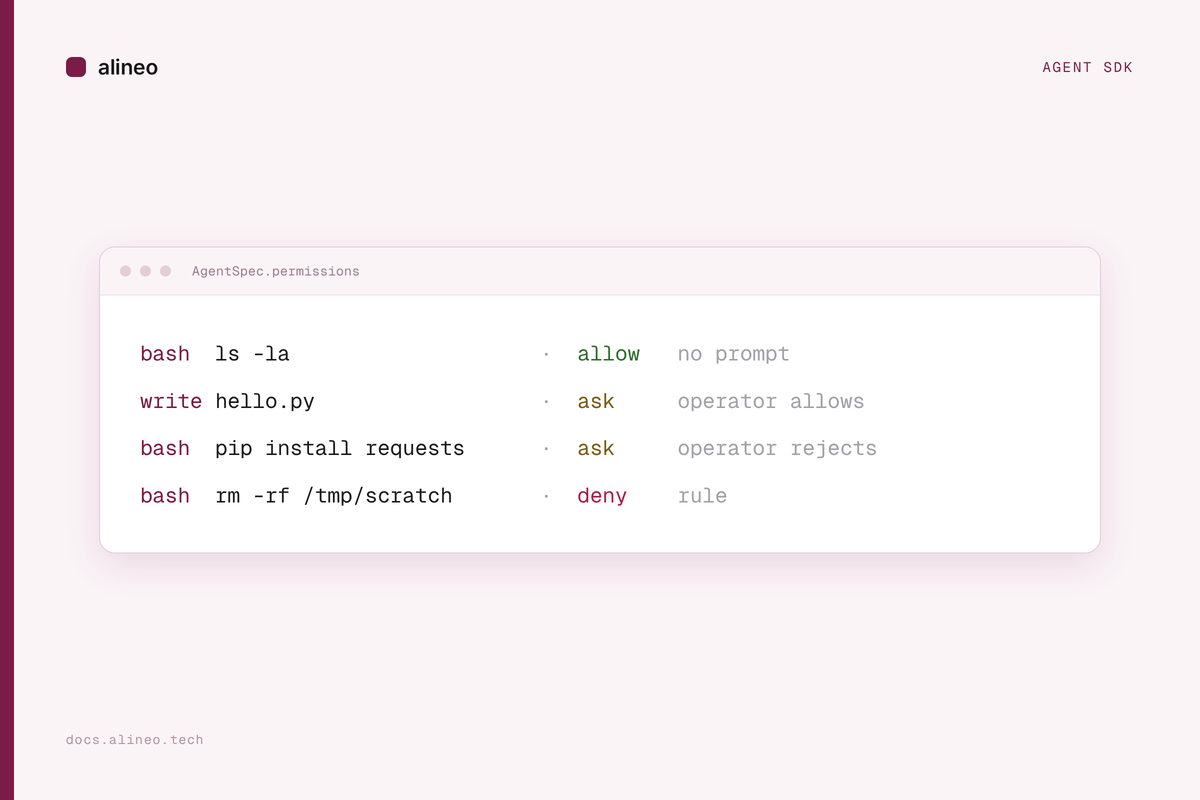
Here is that policy resolving the six calls from the
human-in-the-loop
example — reads run untouched, writes pause for the operator, rm -rf is refused outright:

How it works
Enforcement is a bundled Pi extension on the tool_call hook. When a rule resolves to
ask, the extension holds the call and the SDK emits a permission.requested on the agent
stream; your code answers it and the held call resumes or fails.
sequenceDiagram
  participant M as Model
  participant G as Permission gate
  participant H as Your code
  participant S as Sandbox
  M->>G: bash "pip install requests"
  G->>G: match policy → ask
  G->>H: permission_request
  H-->>G: reject — "use the stdlib"
  G-->>M: denied, with the reason
  M->>G: write hello.py
  G->>H: permission_request
  H-->>G: allow once
  G->>S: run it
  S-->>M: result
Answer requests inline, or hand prompt() an onPermission handler and skip the loop:
async function onPermission(req: PermissionRequest): Promise<PermissionDecision> {
  if (/\b(pip|npm|apt)\b.*\binstall\b/.test(req.target)) {
    return { kind: "reject", feedback: "No installs in this run — use the standard library." };
  }
  return { kind: "once" };
}

for await (const ev of agent.prompt("Do the task", { onPermission })) {
  if (ev.type === "text") process.stdout.write(ev.text);
}
Every request and resolution is written to the ledger — metadata only, never raw tool
arguments — so alineo logs <session> is a full record of what was gated and how it was
decided.
What it doesn’t do
The gate runs inside the Pi process. It stops a misbehaving model — it is not a barrier
against a process with a shell inside the sandbox actively working around it. To gate a host
regardless of what runs inside, hold the network itself: mark a credential binding with
approval: "hold" and the secret does not exist in the sandbox until someone approves the
first request to that host.
Fully durable pauses across sb.pause() / checkpoint need an upstream Pi change and are a
tracked follow-up.
Try it
- Permission gate — the full reference.
examples/human-in-the-loop— a scripted, unattended end-to-end walkthrough.
 Engineering
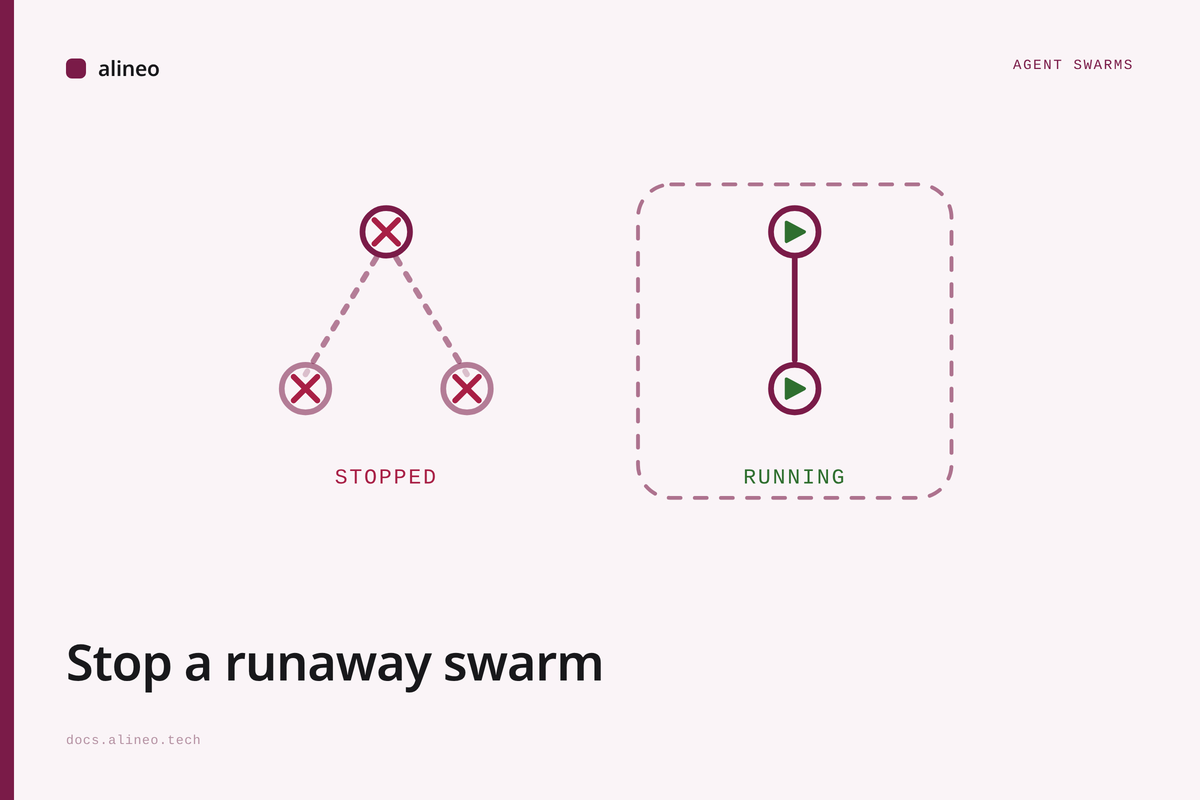
How to stop a runaway AI agent swarm
Pause, steer, or stop a whole tree of sandboxed AI agents from outside them. Real calls, real timings, and what these controls can't reach.
 Product
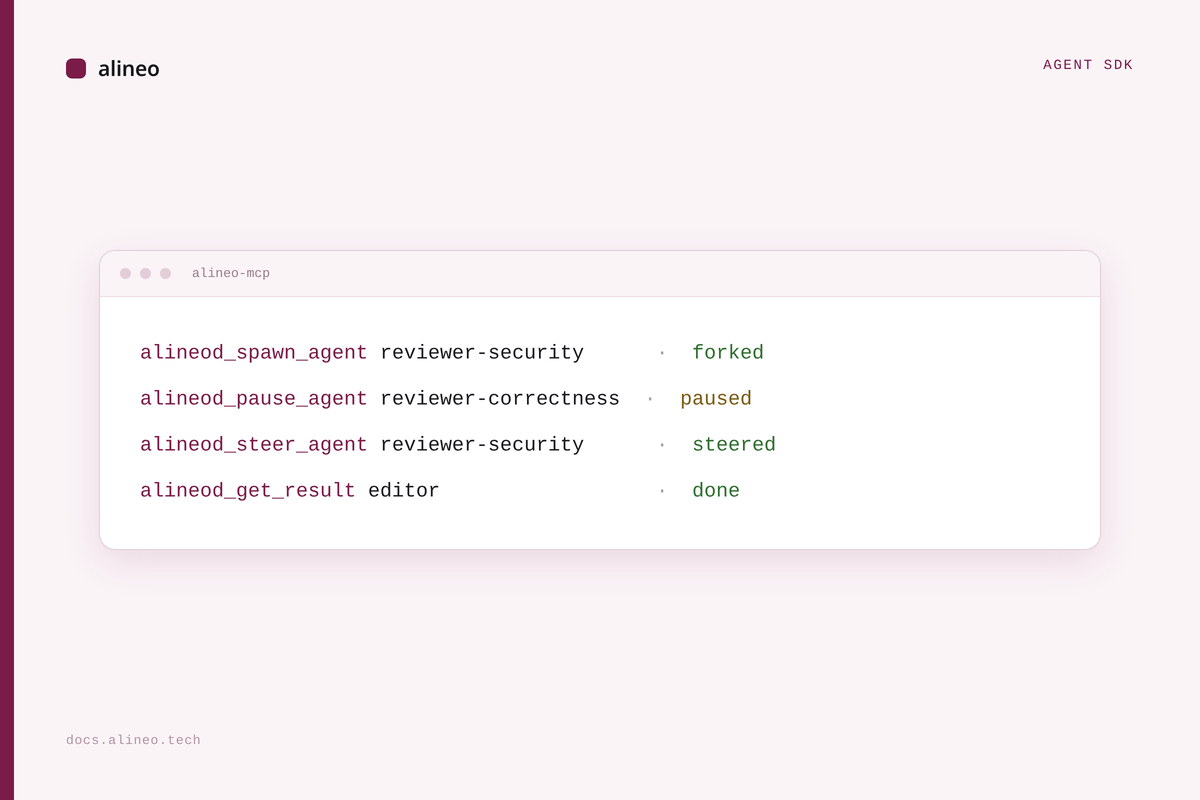
An MCP server for swarm control
alineo-mcp puts alineod's swarm-control API behind stdio, so any MCP client — Claude Code, Claude Desktop, Cursor — can spawn, steer, and pause sandboxed agent swarms as tool calls.
 Product
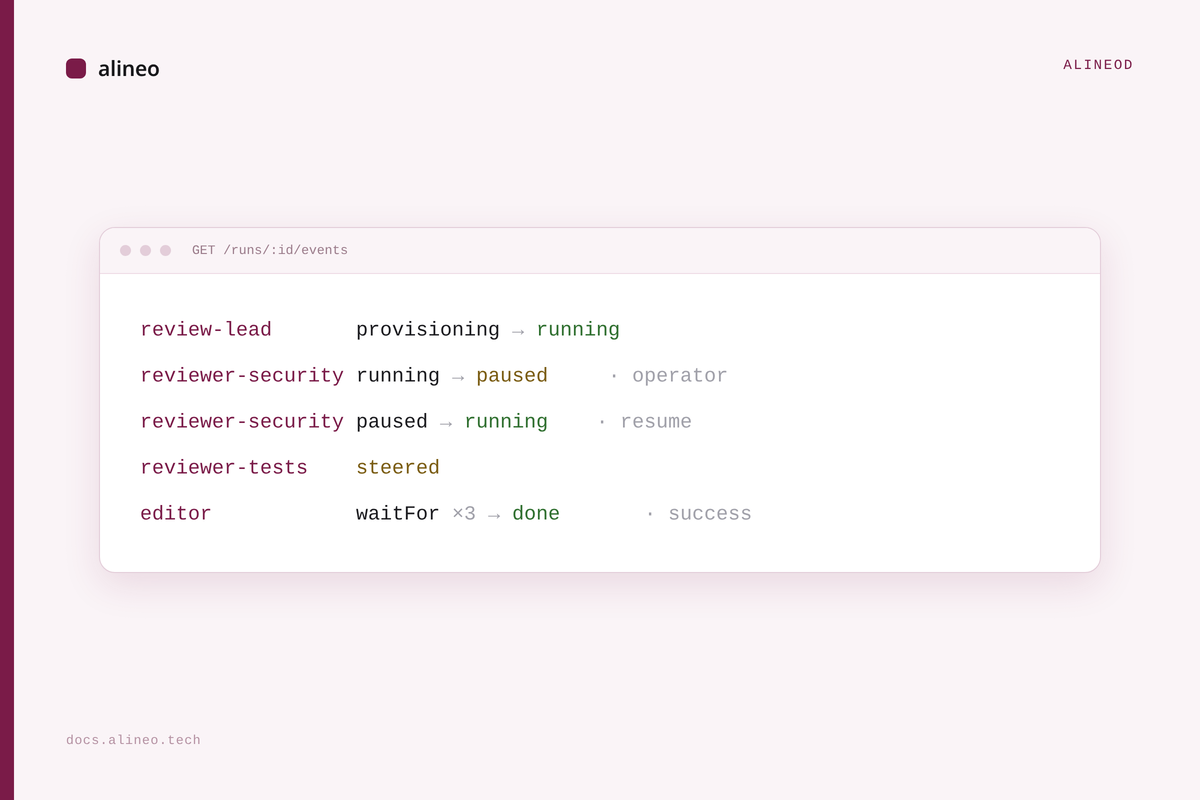
A control plane for swarms of agents
alineod spawns, steers, and recovers trees of sandboxed agents over HTTP and SSE, so orchestrating a swarm isn't code you write yourself.